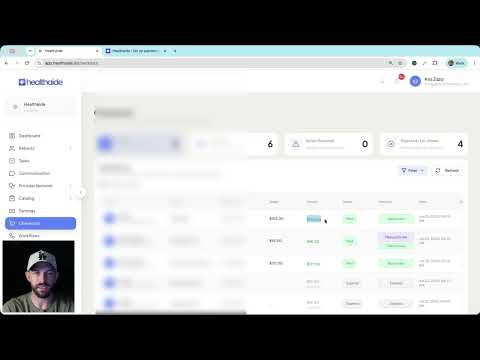
Learn how to configure a custom email sending domain in Healthaide so that system emails to your patients come from your own domain instead of the default Healthaide address.
A complete walkthrough of the six steps to activate your Healthaide clinic account: create your login, set brand identity, confirm domains and email, invite your team, publish your catalog, and run a test order to go live.
How to create a test discount code, place a real test order on your live intake site, confirm it landed correctly in your portal, and officially open for patients.
A complete walkthrough of the Healthaide dashboard, what each panel shows, how to read your key metrics, and how to navigate to any area of the platform from here.
Understand how the Tasks system works in Healthaide, creating tasks, assigning them to staff, setting due dates, and using tasks to manage your clinical workflow.